For teachers

Every pupil at their own level. You see who knows what.

Worksheets in a minute, with the approach on the sheet and a QR code that marks them. And practice in the app that adapts to every child, with an explanation before the questions and after every mistake. Free while the app is being built.

With your school email address. No quote, no minimum.

Worksheets that mark themselves

New questions every time, with the approach on the sheet. A QR code lets pupils enter their answers, and you see the results per child.

Make a worksheet

An explanation at every step

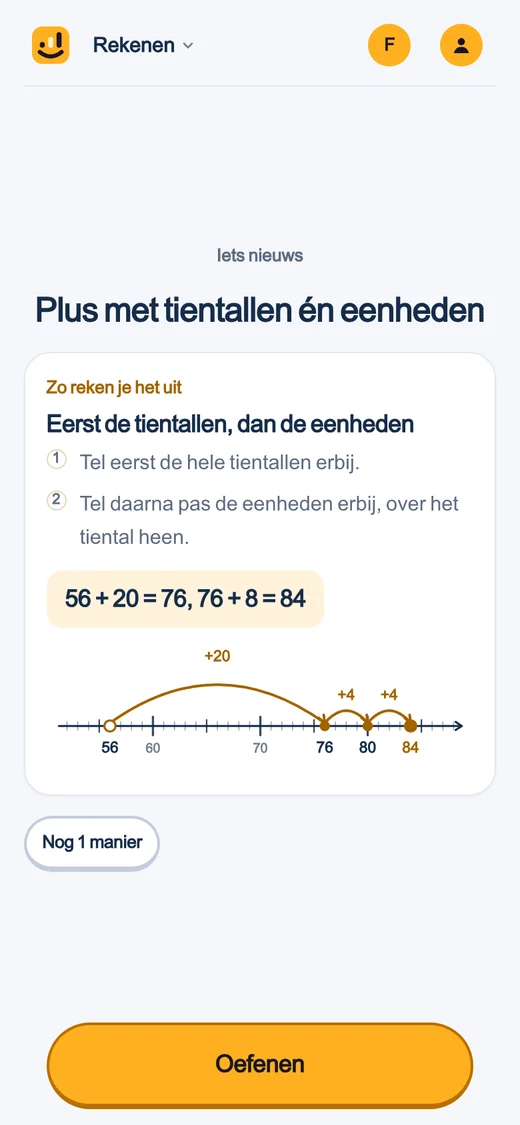
Before the questions the approach, while practising a tip when a pupil gets stuck, and after a mistake the worked example. The same drawing as on the worksheet.

See how it works

Your class on one screen

Who knows the tables by heart, who is stuck on borrowing: per pupil and per topic, without marking anything yourself.

Make your class

What your pupils see

First the approach, then practice, and help with every mistake

  1. The approach firstEvery topic starts with how you do it, with the same drawing as on the worksheet.
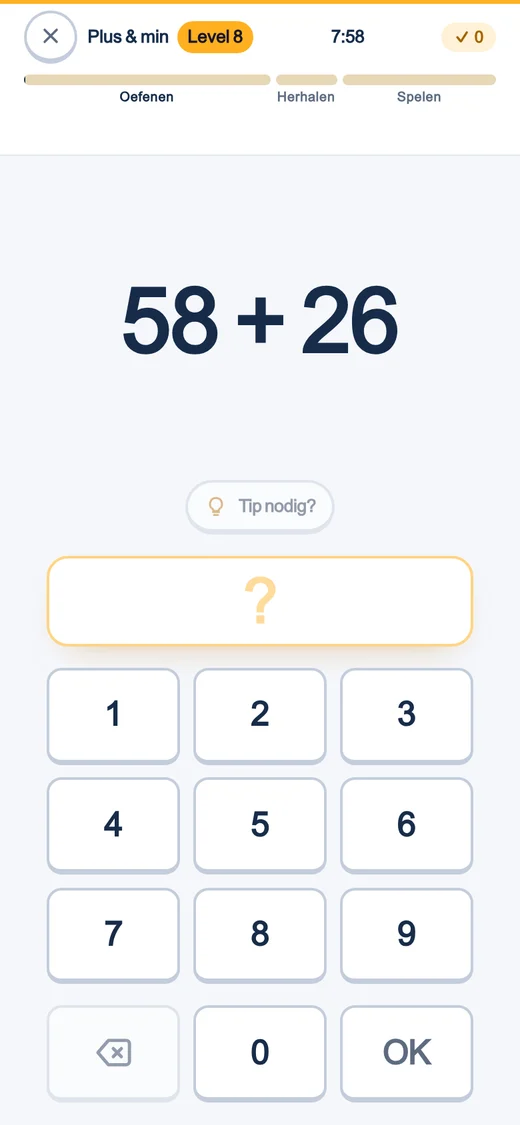
  2. Practising at their own levelEvery pupil gets their own questions: what they can almost do, and what they need to keep up.
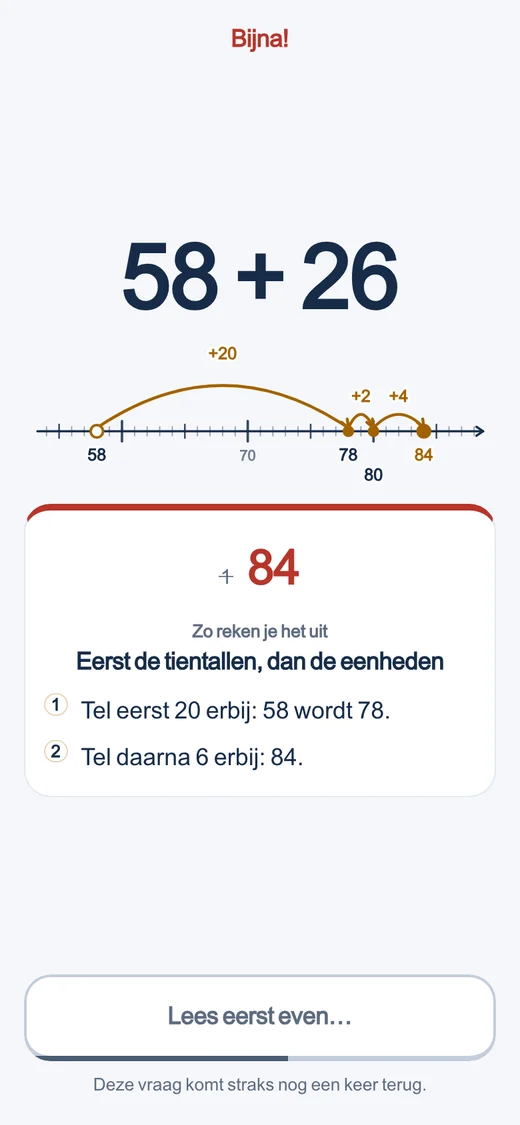
  3. Help with every mistakeThe worked example straight away, and the question comes back later in the session.

The maker

Two roads to the same worksheet

The anonymous maker asks for nothing: pick a subject, a domain and a block or a whole path, pick a number of sums, and print. Nothing is saved and nothing leaves your browser — the seed and the choice live in the address, and the sheet is laid out on your own machine.

The generator behind an account (/leerkracht/werkbladen) is the same engine, with two things added: a QR code back to the answers, and — once you have set up a class — a QR of its own per pupil. Without a class it stays exactly as anonymous as the maker above.

The QR code

Three modes, and you choose

The code on a worksheet can do three things, and you set which:

  • Answers. The code opens the answer sheet straight away — handy when you mark it yourself and just want to skip typing it out.
  • Fill in. A pupil scans, types their name and fills in the answers; the app marks it and shows the score. The submission lands with you, anonymous or under that name.
  • Class. Only available with a class: every pupil gets their own QR, with their first name already filled in.

Linked per pupil

Linked, without leaking the code

The address behind a pupil’s QR carries a token of its own — not the sign-in code they use in the app. That token is computed from the sheet, the pupil and a server secret, and nothing is stored: a leaked link only ever opens that one filled-in sheet, nothing else. Submissions land with you alone (Learnbits never touches a child’s own progress with it — a worksheet is a moment in class, not a learning line).

Explained, online too

The same worked example as on paper

If a pupil fills in the form online, they can get the same worked-out explanation that is printed on the answer sheet — after a mistake, or always, whichever you set: the block’s approach, step by step, and the right answer. No new drawing at the moment a child is already struggling — the same model, just on a screen instead of on paper.

The class dashboard

Results land with you, and nowhere else

A sheet without a class gets a plain list: name, score, when it came in. A sheet set to class mode gets the whole class in one overview, per pupil. That is separate from the class dashboard that tracks day-to-day progress — that is written up in full on the school page.

Live

For the whiteboard: practising together as a game

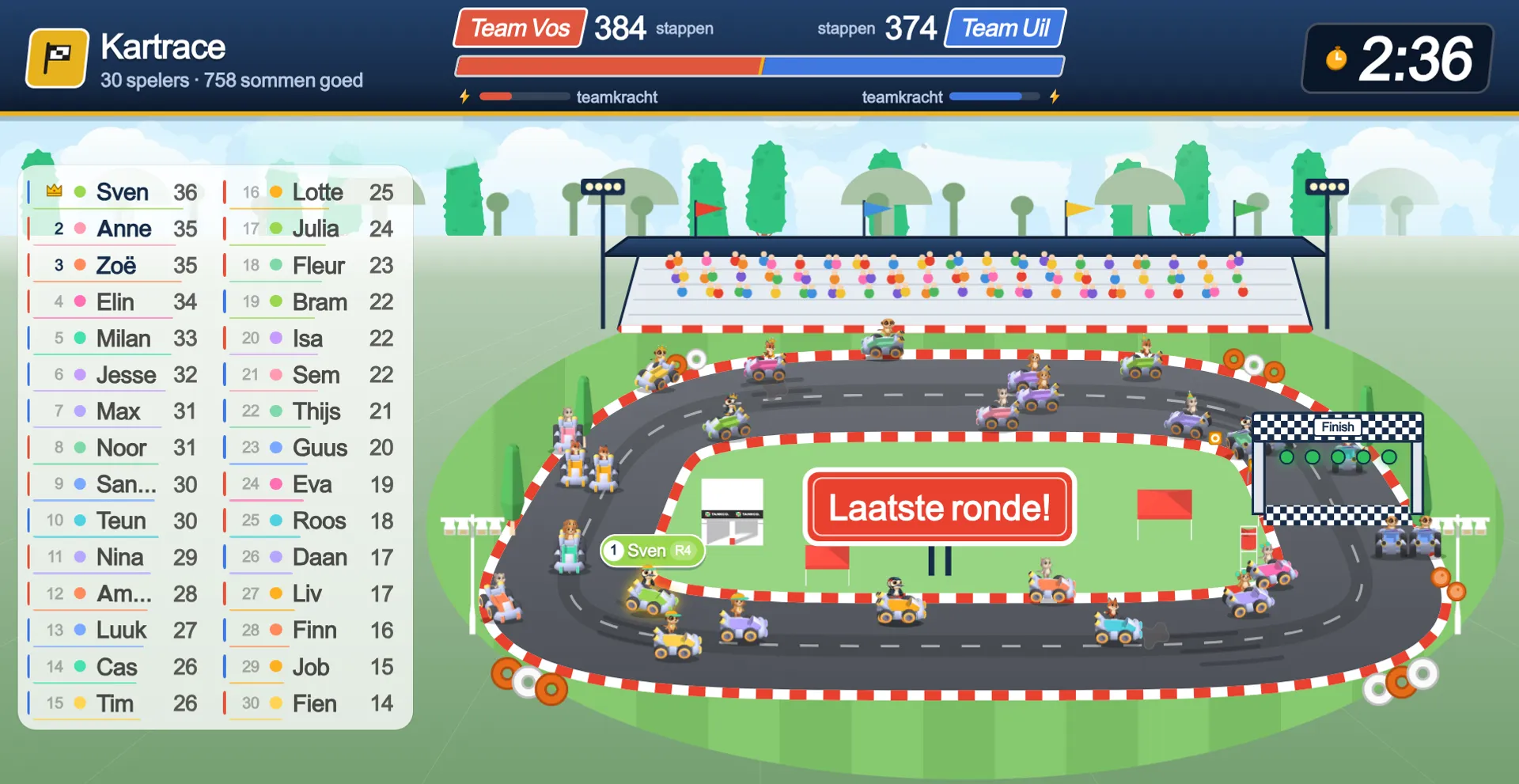
Alongside the worksheet there is a second form for the whole class: a game on the whiteboard where every pupil gets their own sums, at their own level, on their own laptop. No multiple choice, no leaderboard — a correct answer is always one step for the game, so every child has roughly the same chance of winning. How Live works.

Kart race: every child races on their own sum, at their own level.

Live, for real

This is what your class sees on the board

Sign in with your school email address, make a class and add your children — and your class plays this tomorrow.

Ready to put your class in?

Class codes, pupil cards, and a dashboard per class — that is the school side of this product.

Make a teacher accountSee the school side